
If you've ever spent an afternoon manually typing transactions from a bank PDF into a spreadsheet, you already know the problem. It's slow, error-prone, and frankly, it's not what you're paid to do.
This guide cuts straight to what works.
Why PDF Bank Statements Are a Problem for Finance Professionals
Banks issue statements as PDFs for a reason — they're designed to be read, not processed. For accountants, bookkeepers, and business owners who need that data in a usable format, the PDF is a dead end.
Here's what that actually costs you:
Time: A 3-month statement with 200+ transactions can take 2–4 hours to enter manually
Accuracy: Manual entry averages a 1% error rate — which compounds fast in reconciliation
Scale: The more clients or accounts you manage, the worse this gets
The solution isn't to work harder. It's to stop doing this manually altogether.
The Standard Methods (And Why They Fall Short)
Before getting to the right solution, here's an honest look at what most people try:
Copy-Paste from PDF
Copying a PDF table into Excel almost never works cleanly. You get merged cells, broken columns, and garbled formatting. You end up spending more time cleaning the data than you saved.
Adobe Acrobat Export
Adobe's built-in PDF-to-Excel export works sometimes — on simple, well-formatted statements. Complex layouts, multi-page documents, or scanned PDFs produce unreliable results. It also requires a paid Acrobat subscription.
Manual Entry
No tool, no software — just typing. Fine for five transactions. Completely impractical for anything beyond that.
Generic OCR Tools
Most generic OCR tools can extract text but can't intelligently parse financial tables. You still end up with a mess that needs manual cleanup.
The Right Approach: Purpose-Built Bank Statement Conversion
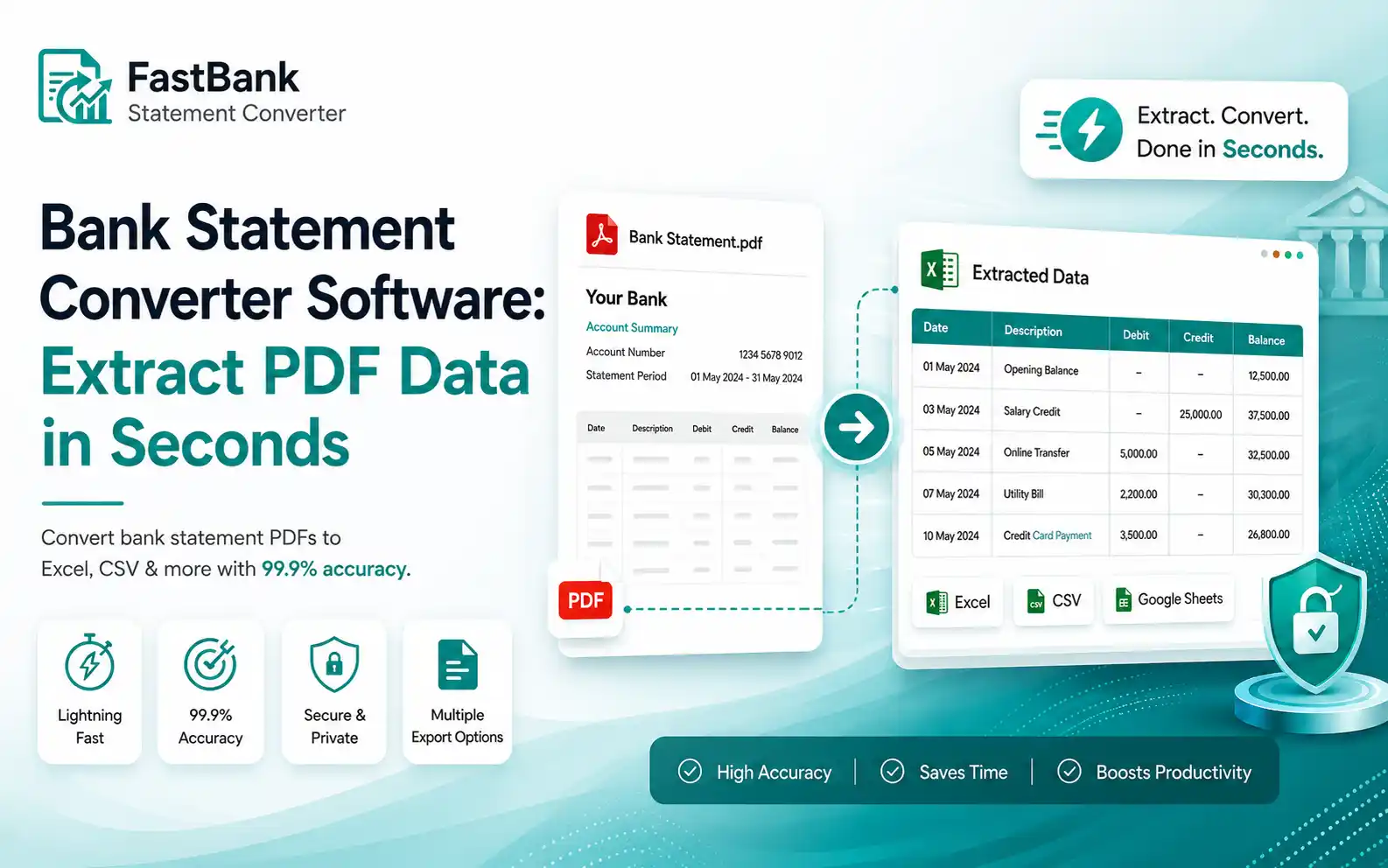
A dedicated bank statement converter is built specifically to recognize financial data structures — dates, descriptions, debits, credits, balances — and output them in clean, structured rows.
That's the difference between a general tool and one designed for this exact problem.
Fast Bank Statement Converter is built for exactly this use case. Here's how the process works:
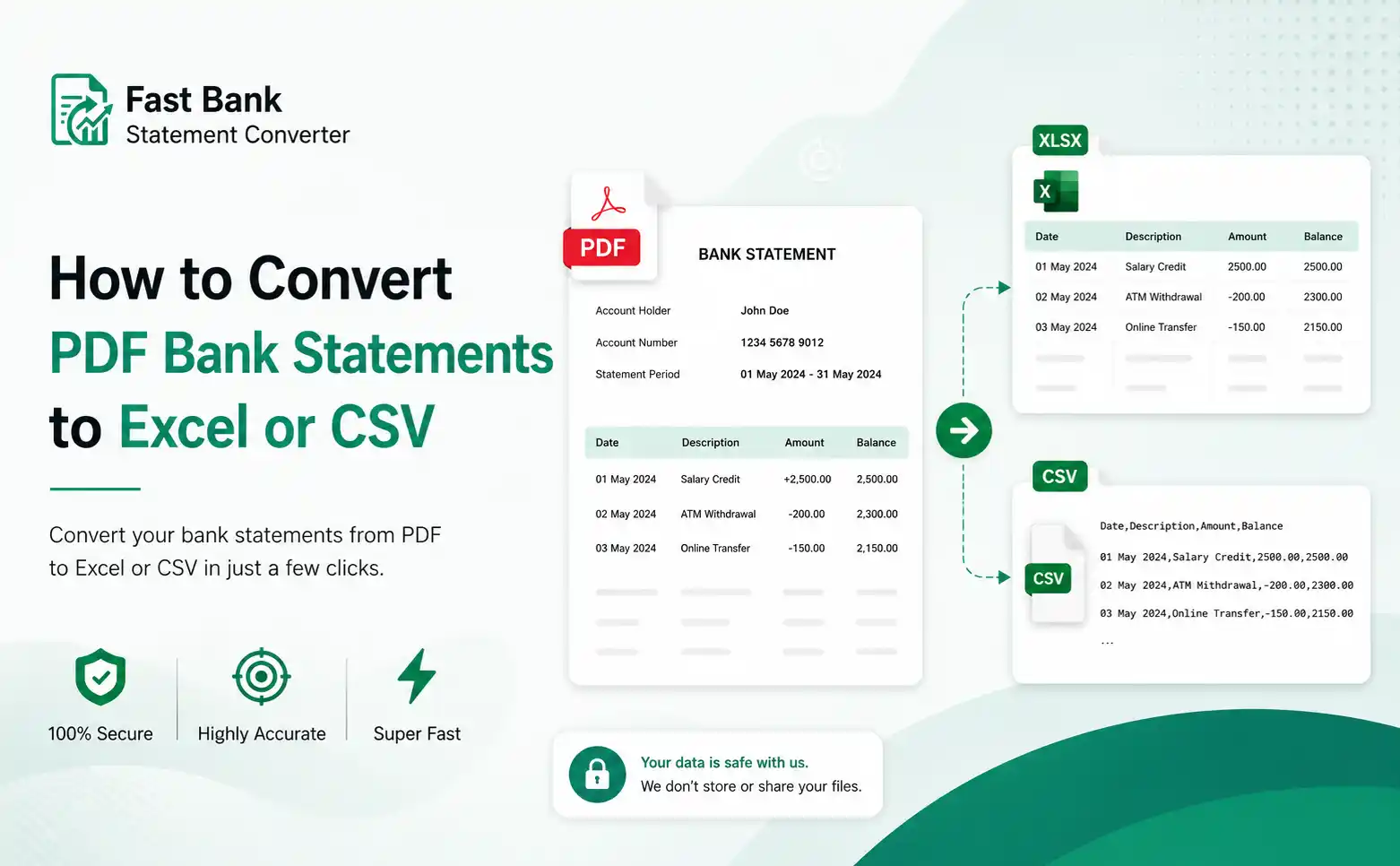
Step 1: Upload Your PDF
Drag and drop your bank statement PDF. Supports standard bank-issued PDFs and scanned documents.
Step 2: Automatic Data Extraction
The tool parses the document, identifies transaction rows, and extracts dates, descriptions, amounts, and running balances — without you touching anything.
Step 3: Download as Excel or CSV
Choose your output format. Excel (.xlsx) for direct spreadsheet use. CSV for importing into accounting software like QuickBooks, Xero, FreshBooks, or any bookkeeping platform.
That's the entire process. What used to take hours takes under a minute.
Who This Is Built For
Accountants and Bookkeepers — Process client statements faster. Spend time on analysis, not data entry. Handle more clients without hiring more staff.
Freelancers — Reconcile your own income and expenses without outsourcing it or spending a Sunday on a spreadsheet.
Small Business Owners — Get your transaction data into your accounting software without paying someone to type it in for you.
Finance Teams — Standardize how bank data enters your workflow. Eliminate the manual step entirely.
What You Get With Clean, Structured Data
Once your bank statement is in Excel or CSV format, you can:
Import directly into QuickBooks, Xero, Wave, or FreshBooks
Run pivot tables and transaction summaries instantly
Reconcile accounts without hunting through PDFs
Share clean data with your accountant or team
Archive organized records for tax season
The downstream value of having clean data is significant. The time you save on extraction, you get back in every workflow it feeds into.
Key Features Worth Knowing
Multi-page support — Handles full-year statements, not just single pages
Multiple bank formats — Works across major banks and statement layouts
Scanned PDF support — OCR capability for non-digital documents
No formatting cleanup required — Columns are structured and labeled on export
Data privacy — Your financial documents aren't stored or shared
The Real Cost of Manual Data Entry
Let's be direct about the math.
If you spend 3 hours per client per month on bank statement entry, and you bill at $50/hour, that's $150 of your time on a task a tool can handle in 60 seconds. At 10 clients, that's $1,500/month in billable time going to manual data work.
Tools that solve specific, high-friction problems in your workflow pay for themselves quickly. This is one of them.
Get Started
Fast Bank Statement Converter is available now. No complex setup, no learning curve — upload a PDF, download a spreadsheet.
If you process bank statements regularly, the first conversion will tell you everything you need to know.
→ Convert Your First Statement Free at fastbankstatementconverter.com
Fast Bank Statement Converter supports Excel (.xlsx) and CSV export formats, compatible with all major accounting platforms.
Frequently Asked Questions
Does the converter work with scanned statements?
Yes, our advanced OCR technology accurately extracts data from both digital PDFs and physical scanned images.
Can I test the converter before paying?
Yes! When you create a free account, you automatically receive 5 free conversion credits so you can test the speed and accuracy of our AI on your own statements before upgrading to a paid plan.
Is my financial data secure during the conversion?
Absolutely. We use bank-level encryption for all file transfers, and your uploaded PDF statements are automatically and permanently deleted from our servers immediately after your CSV or Excel file is generated.