
If you're still copying bank statement data by hand into a spreadsheet, you're burning hours you can't bill for.
Whether you're reconciling accounts for a client, preparing a loan application, or reviewing business cash flow — manually re-entering transaction data from PDFs is slow, error-prone, and completely unnecessary in 2026.
There's a faster way.
Why Manual Bank Statement Entry Is Killing Your Productivity
PDF bank statements are designed to be read, not edited. Banks lock the data inside formatted layouts that resist copy-paste. You end up either typing every row manually or hiring someone to do it — neither is acceptable when you're managing dozens of clients or tight deadlines.
The real cost isn't just time. Manual entry introduces errors. A transposed digit in a reconciliation can trigger hours of back-and-forth. For bookkeepers handling multiple clients, or freelancers doing their own accounts, that's a serious operational risk.
What Fast Bank Statement Converter Does
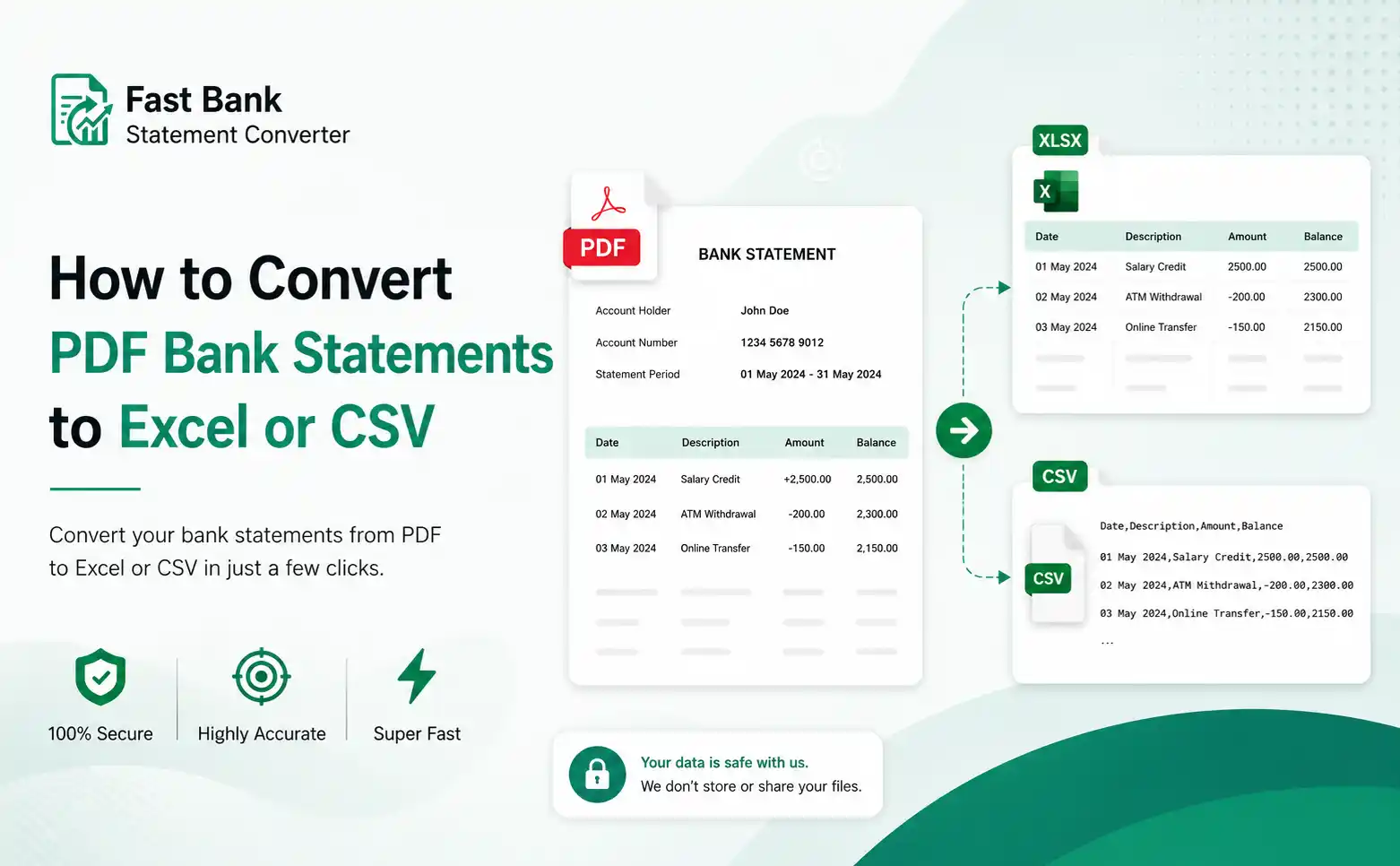
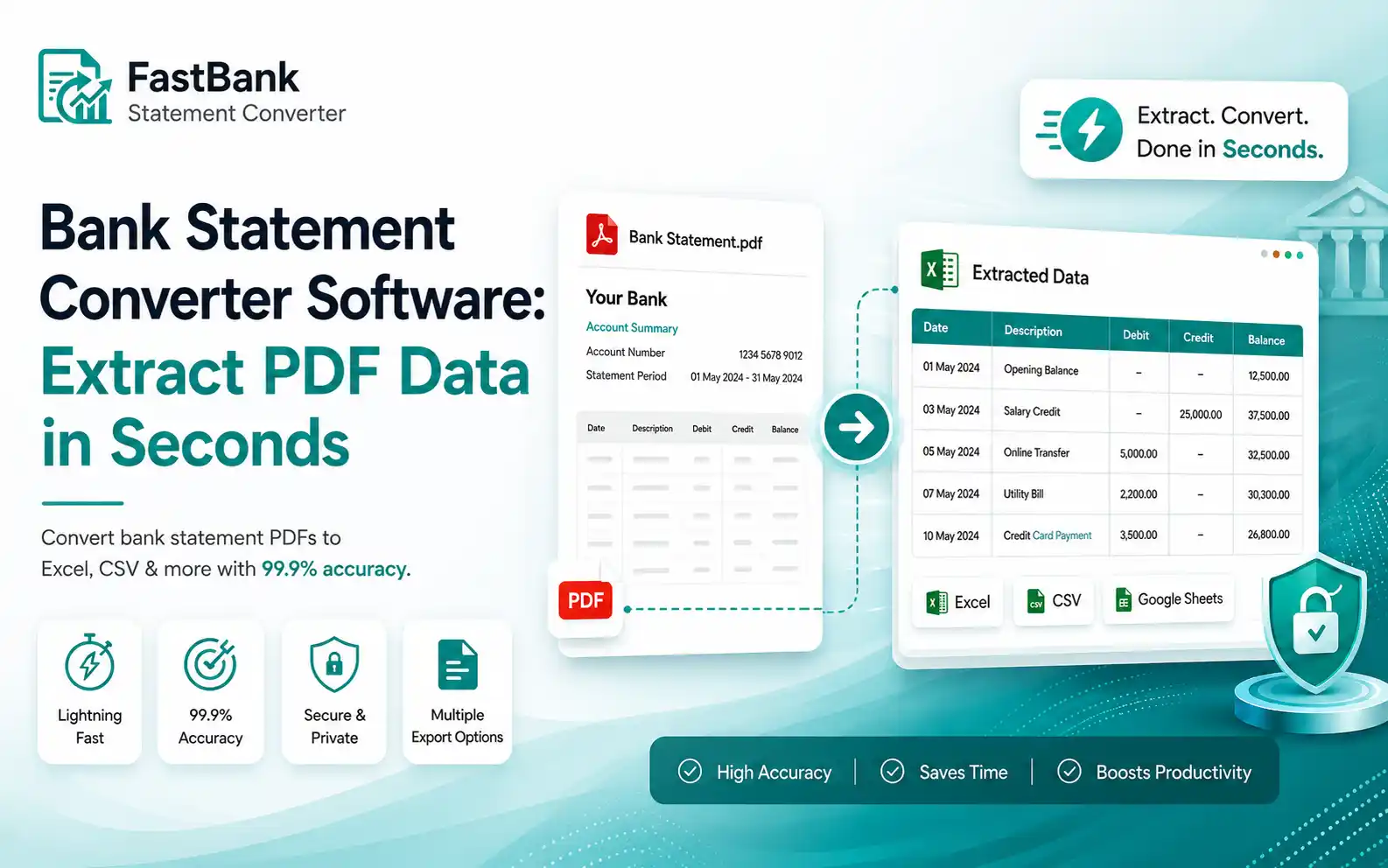
Fast Bank Statement Converter is purpose-built to solve exactly this problem. Upload your PDF bank statement, and the software extracts every transaction — date, description, debit, credit, balance — and delivers it as a clean Excel (.xlsx) or CSV file within seconds.
No manual entry. No reformatting. No back-and-forth.
It works with statements from major banks and financial institutions, handling multi-page PDFs cleanly without missing rows or misaligning columns.
Who It's Built For
This tool is designed for professionals who work with financial data regularly:
Accountants reconciling client accounts need clean, importable data — not PDFs they have to manually rekey into their accounting software.
Bookkeepers processing monthly statements for multiple clients need speed and accuracy. One upload, one download, done.
Freelancers and self-employed professionals managing their own finances need a quick way to get their bank data into a spreadsheet for expense tracking or tax prep.
Small business owners applying for loans or preparing financial reports are often asked to provide transaction data in a structured format. This delivers it instantly.
Why This Beats Generic PDF Tools
Generic PDF-to-Excel converters weren't built for financial data. They misread table structures, split rows incorrectly, or merge columns in ways that require manual cleanup — defeating the entire purpose.
Fast Bank Statement Converter is specifically trained and optimized for bank statement layouts. The output is structured correctly: dates in one column, descriptions in one column, amounts separated cleanly. It's ready to use, not ready to fix.
Stop Wasting Billable Hours
If you process even five bank statements a month manually, you're losing real time. At typical accountant or bookkeeper rates, even 30 minutes per statement adds up to significant unbilled cost — or just unpaid overtime.
Fast Bank Statement Converter pays for itself the first time you use it.
Try Fast Bank Statement Converter Now — Get 5 Free Pages
Frequently Asked Questions
What file formats are supported?
The software converts digital and scanned PDF bank statements directly into Excel (.xlsx) and CSV formats. Both are optimized for seamless importing into modern accounting systems like QuickBooks, Xero, and FreshBooks.
Is my financial data secure?
Absolutely. We prioritize strict data compliance. All file transfers are protected by bank-level encryption, and your uploaded documents are permanently and automatically deleted from our servers immediately after your spreadsheet is generated.
Do I need to install any software?
No. Fast Bank Statement Converter is entirely browser-based. Upload your PDF, download your file—no installation, no setup.